Getting Started with Lury
A quick-start guide to installing, configuring, and launching Lury on your Shopify store.
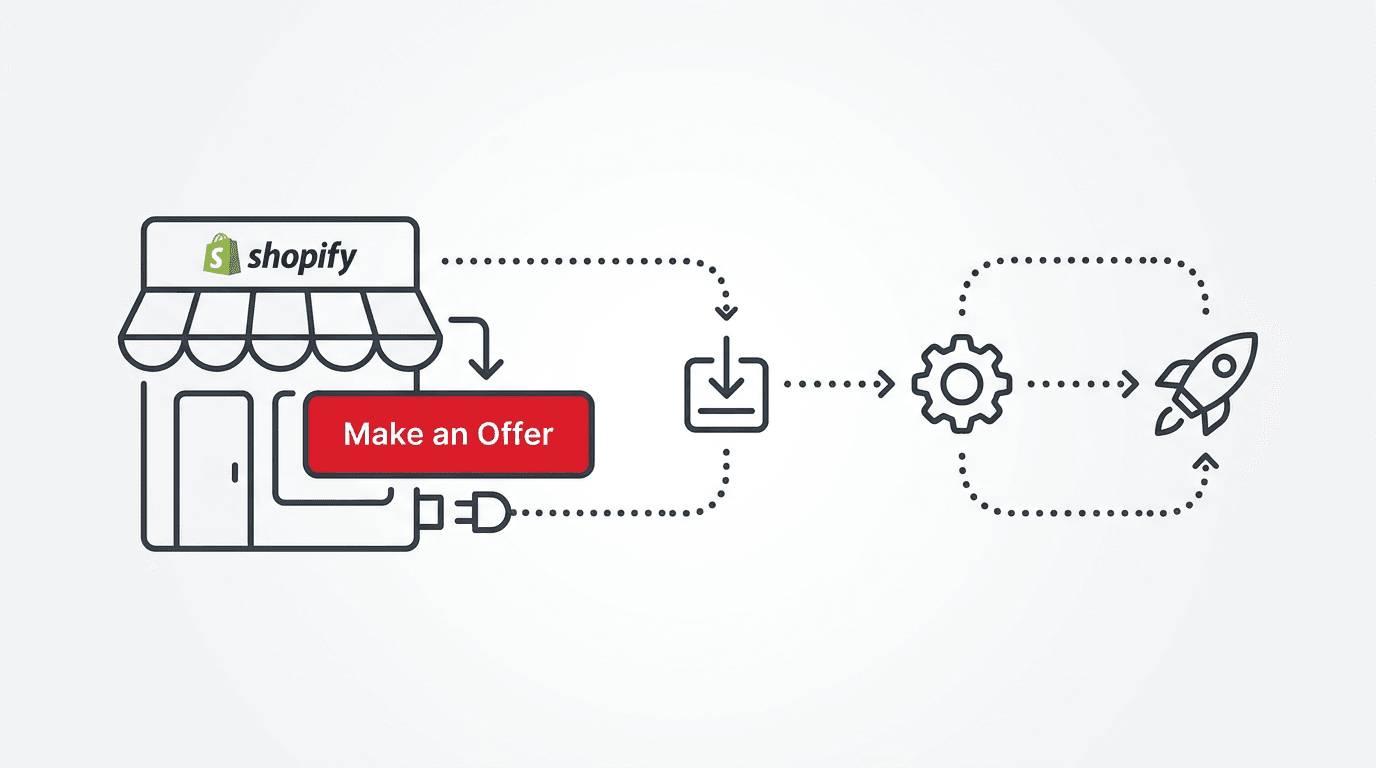
Welcome to Lury
Lury lets your customers make offers on products in your Shopify store. Instead of relying on blanket discounts, you let shoppers name their price — and smart rules handle the rest.
Step 1: Install the App
Visit the Shopify App Store listing and click Install. Follow the OAuth flow to connect your store. Every plan includes a 14-day free trial — choose Starter ($4.99/mo), Growth ($7.99/mo), or Unlimited ($14.99/mo) once your trial ends.
Step 2: Configure Your Rules
Once installed, navigate to the app dashboard. Choose which products or collections should have the "Make an Offer" button. Set your minimum acceptable price (the floor) for each product — Lury will auto-accept anything above, counter reasonable offers, and decline lowball bids.
Step 3: Customize the Look
Match the offer popup to your store's branding. Customize button colors, popup theme, and call-to-action text. You can even add custom CSS for pixel-perfect control.
Step 4: Go Live
Enable the app on your storefront via the theme app extension. The "Make an Offer" button will appear on your selected product pages immediately. You can also enable exit intent popups to catch visitors about to leave.
Need Help?
Check out the Help Center or reach out to our support team at support@lury.app.
Related Articles

Turning 'No' Into a Lead: Capturing Email on Every Offer Outcome
A declined offer isn't a dead end — it's a lead. Here's how Lury captures contact info on every negotiation, not just the ones that convert.

Product, Collection, or Storewide: Choosing the Right Offer Scope for Your Catalog
Lury lets you enable offers at three different levels. Here's a practical framework for deciding which scope fits which part of your catalog.